Top Strategies to Organize Your Day and Boost Productivity
Practical strategies to plan your day, protect your focus and finish what matters: priorities, time blocking, a calendar, fewer distractions, proven techniques, a daily review and self-care.
- Productivity
- Planning
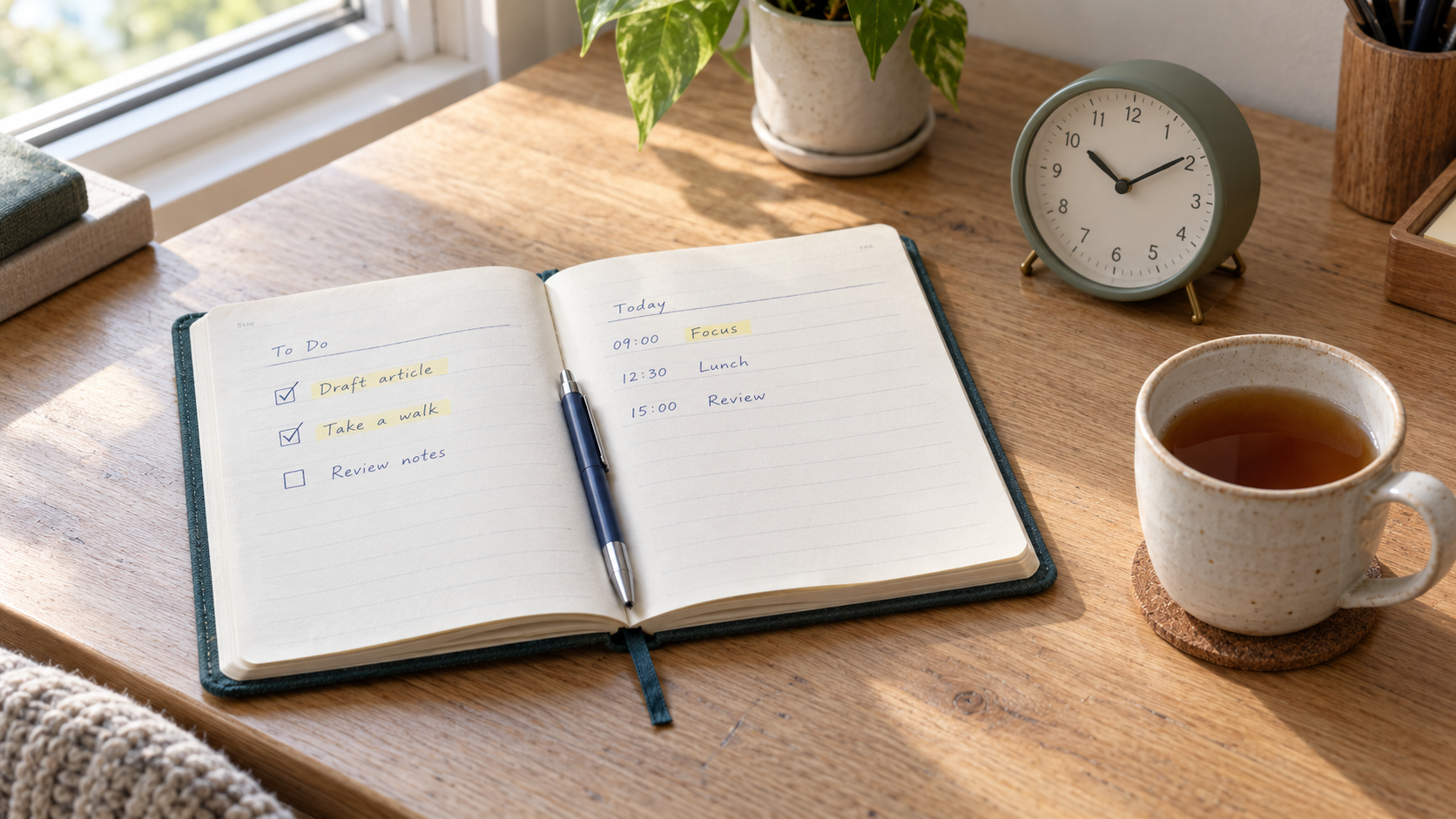
Effective time management helps you reach your goals and still keep a balanced life. Most days don’t go wrong because we’re lazy. They go wrong because we never decided what the day was for, so email, chat and other people’s requests decided for us.
This article collects the strategies that help me organize my day and get more done. Each one is simple on its own; the value comes from combining a few of them into a routine you actually keep. At the end you’ll find a short routine to start with, a sample schedule, common pitfalls and a one-page checklist.
Start with a clear plan
Set priorities. Begin each day by deciding what matters most, then do those tasks first. The Eisenhower Matrix is a useful tool here. It sorts tasks by two questions, is it urgent? and is it important?, into four groups:
| Urgent | Not urgent | |
|---|---|---|
| Important | Do it now | Schedule it |
| Not important | Delegate or keep it short | Drop it |
The matrix is named after US President Dwight D. Eisenhower and was popularized by Stephen Covey in The 7 Habits of Highly Effective People. Its real lesson is the top-right box: important work that isn’t urgent yet, such as learning, planning or a side project, is the work that never happens unless you schedule it.
Create a to-do list. Write down everything you need to do, so your head doesn’t have to hold it. Break large tasks into small, concrete steps (“draft the introduction”, not “write the report”) and check them off as you go. A tool such as Todoist or Trello works, and so does a simple notepad. The best tool is the one you will open every day.
Key idea
A to-do list says what you could do; a plan says what you will do today and when. Pick one to three priorities from the list and give them a place in your day.
Use time blocking
Allocate specific time slots. Divide your day into blocks, each dedicated to one kind of work: deep work on your main task, a block for meetings, a block for email and messages. Blocks prevent multitasking and protect focused periods, because each hour already has a job.
Include breaks. Schedule short breaks between blocks to recharge. The Pomodoro Technique, created by Francesco Cirillo, works well inside a block: work for 25 minutes, take a 5-minute break, and after four rounds take a longer break. The numbers are a starting point, not a rule; many people prefer longer rounds for deep work.
A few habits make time blocking hold up in real life:
- Block your hardest work at your best hours. For many people that’s the morning, but use the hours when your own energy is highest.
- Batch shallow work. Answer email and messages in one or two blocks rather than all day.
- Leave buffer. Tasks take longer than planned. Keep some unplanned time, or plan shorter blocks than you think you need.
- Re-plan instead of giving up. When the day changes, move the remaining blocks. A changed plan is still a plan.
Use a calendar
Plan your day on it. Use a digital or paper calendar to see meetings, deadlines and personal activities in one place. Put your focus blocks on it too, so they are as visible as meetings and harder to give away.
Set reminders. Add reminders for important tasks and deadlines, so you stay on track without checking your schedule all the time. Remind yourself of the things that are easy to forget, not of everything.
Minimize distractions
Create a productive environment. Choose a workspace with few distractions and keep your desk organized and clear. Keep only what the current task needs within reach.
Limit digital interruptions. Turn off non-essential notifications on your phone and computer. Website blockers or focus-music apps can help you stay on one task. A few more habits help:
- Put your phone out of sight, not just face down, during a focus block.
- Close the tabs and apps that aren’t part of the current task.
- Tell people when you are focusing, and when they can reach you instead.
- Keep a “later” note next to you. When an unrelated idea appears, write it down and return to the task.
Practice time management techniques
The two-minute rule. If a task takes less than two minutes, do it now. This idea comes from David Allen’s Getting Things Done. It clears small tasks quickly and keeps them from piling up on your list. Apply it while processing your inbox or list, not as a reason to interrupt a focus block.
Eat that frog. Tackle your most challenging or important task first thing in the day. The phrase was popularized by Brian Tracy’s book Eat That Frog!. Finishing the hardest task early sets a productive tone, and the rest of the day feels lighter.
When each technique fits. No single technique suits every day. Choose by what is getting in your way:
| If your problem is… | Try… |
|---|---|
| Too many tasks and no idea where to start | Eisenhower Matrix, then pick one to three priorities |
| Putting off one big, unpleasant task | Eat that frog |
| A long list of tiny tasks | Two-minute rule during a short admin block |
| Hours disappearing into reactive work | Time blocking |
| Trouble starting or staying focused | Pomodoro rounds |
| Meetings eating your deep work | Focus blocks on your calendar |
Review and reflect
End-of-day review. Take five to ten minutes at the end of each day to review what you finished. Ask what worked well and what you’d change. Did you plan too much? Did a block get interrupted? Small adjustments each day add up.
Plan for tomorrow. Before you stop, choose tomorrow’s priorities and update your to-do list. When you start the next morning, you already know your first task and don’t need to decide while your inbox is pulling at you.
A weekly review adds a wider view. Once a week, look at your goals, clear out stale tasks and block time for the important work that isn’t urgent yet.
Remember
The plan you make the evening before is the one that protects your morning. Ten minutes of review buys a clear start.
Prioritize self-care
Stay healthy. Get enough sleep, eat balanced meals and exercise regularly. A healthy body supports a productive mind, and no schedule fixes a week of short nights.
Mindfulness and relaxation. Practices such as meditation or deep breathing help reduce stress and improve focus. Real breaks count too: a walk away from the screen restores more than scrolling on your phone.
Treat rest as part of the plan, not as what’s left over. Put exercise, meals and a fixed stopping time on your calendar the same way you’d schedule a meeting.
How to start: a 10-minute morning routine
You don’t need every strategy at once. Start with this short routine for one week, then add more:
- Capture (2 minutes). Write down everything on your mind: tasks, deadlines, worries.
- Prioritize (3 minutes). Use the Eisenhower questions to choose one to three priorities for today. Mark your “frog”.
- Block (3 minutes). Put your priorities on the calendar as time blocks, with the frog in your best hours. Add breaks and a buffer.
- Prepare (2 minutes). Silence notifications, close unrelated tabs and open what you need for the first block.
If you only manage step 2 on a busy day, that’s still a win.
A sample daily schedule
Here is how a workday could look with time blocks. Adjust the times to your own hours and energy; the shape matters more than the clock.
| Time | Block |
|---|---|
| 08:30–08:40 | Morning routine: capture, prioritize, block |
| 08:40–10:40 | Deep work on the frog (four Pomodoro rounds with short breaks) |
| 10:40–11:00 | Break: walk, stretch, water |
| 11:00–11:45 | Email and messages (two-minute rule applies here) |
| 11:45–12:45 | Second priority or meetings |
| 12:45–13:30 | Lunch away from the screen |
| 13:30–15:00 | Meetings and collaboration |
| 15:00–15:15 | Break |
| 15:15–16:30 | Third priority or learning |
| 16:30–17:00 | Buffer for overruns and small tasks |
| 17:00–17:10 | End-of-day review and plan for tomorrow |
If you are a student or work shifts, keep the same pattern: one protected block for your most important work, shallow work batched together, breaks between blocks, and a short review at the end.
Common pitfalls
- Planning too much. Eight hours of tasks in an eight-hour day leaves no room for interruptions. Plan for around two-thirds of your time and keep the rest as buffer.
- A to-do list without priorities. A long list with no order makes every task look equally urgent. Always mark your top one to three.
- Treating the schedule as fixed. When a meeting moves or a task overruns, re-plan the rest of the day instead of abandoning the plan.
- Collecting productivity tools. Switching apps feels productive but isn’t. Choose a simple setup and keep it.
- Skipping the review. Without the review, you repeat the same mistakes and start each day from scratch.
- Sacrificing sleep and breaks. Working longer by cutting rest usually makes the next day worse.
Putting it into practice
If you prefer to plan on this site, the goal planner brings these ideas together: set goals, choose today’s tasks in Today, place them in time blocks and run focused rounds with the focus timer. A notebook and a calendar work just as well; what matters is that you plan, focus and review every day.
One-page checklist
Copy this list somewhere you will see it each morning:
Morning
- Capture everything on your mind
- Choose one to three priorities (Eisenhower questions)
- Mark the frog and schedule it in your best hours
- Block the day, with breaks and buffer
- Silence notifications and set up your workspace
During the day
- Work in focused rounds (for example 25/5 Pomodoros)
- Do two-minute tasks during admin blocks
- Batch email and messages
- Re-plan when the day changes
Evening
- Review what you finished and what to change
- Plan tomorrow’s priorities
- Stop at your set time and rest
Conclusion
With these strategies you can organize your day, reduce stress and get more of the right work done. Consistency matters more than any single technique, so start small, tailor the techniques to your own style and preferences, and keep what works. Happy planning!
Comments
No comments yet
Log in to join the conversation. Members comment with a username; your email is never shown. Read the community rules.