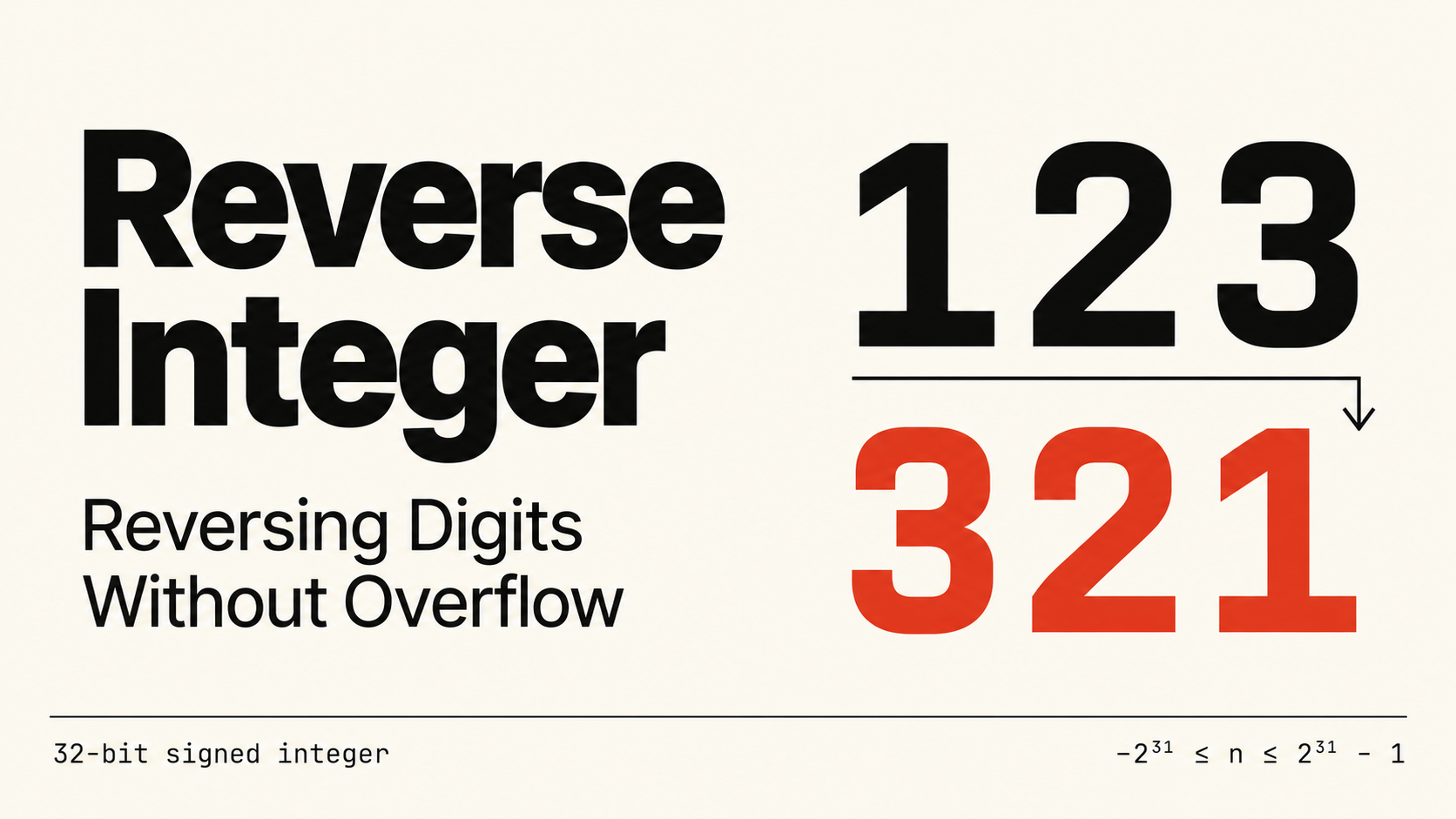
Reverse Integer: Reversing Digits Without Overflow
Reverse a signed integer one digit at a time, detect 32-bit overflow before it happens, and handle negative numbers in C#, Go, and Python 3.
- Integers
- Overflow
Problem
Write a function that reverses the decimal digits of a signed 32-bit integer x. Preserve the sign, and discard any leading zeros in the reversed number. If the reversed value would fall below -2^31 or above 2^31 - 1, return 0.
Use only 32-bit integer storage; signed and unsigned 64-bit types are unavailable.
Example 1
Input: x = 123
Output: 321
Example 2
Input: x = -123
Output: -321
Example 3
Input: x = 120
Output: 21
Constraints
-2^31 <= x <= 2^31 - 1- The signed 32-bit range is
[-2147483648, 2147483647].
By the end of this lesson, you should be able to extract digits arithmetically, explain the overflow checks, and handle negative numbers without converting the input to a positive value.
Start with the digits
Reversing the characters of a number’s string representation is one possible starting idea, but it introduces a sign to handle and a conversion back to an integer. It also does not solve the main constraint: the reversed value might be too large to store.
Arithmetic lets us move one digit at a time while checking that each step is safe.
For a positive number:
x % 10extracts the last digit.- Integer division by
10removes that digit. result * 10 + digitappends the digit to the answer.
For example, extracting 3 from 123 leaves 12. Append 3 to an initially empty answer, then extract and append 2, and finally 1.
| Remaining input | Extracted digit | Input after division | Answer after appending |
|---|---|---|---|
123 |
3 |
12 |
3 |
12 |
2 |
1 |
32 |
1 |
1 |
0 |
321 |
Stop when the remaining input is 0. Trailing zeros disappear naturally: for 120, the answer changes from 0 to 2 to 21. For input 0, the loop never runs and the answer stays 0.
Check for overflow before appending
The difficult step is result * 10 + digit. Computing it and checking the result afterward is too late in a fixed-width integer type: the multiplication or addition may already have overflowed.
Key idea
Before appending a digit, compare the current answer with the integer limit divided by ten. If it is exactly at that boundary, the final digit decides whether the append is safe.
Positive boundary
The largest allowed value is 2147483647:
2147483647 = 214748364 * 10 + 7Return 0 before appending if either condition holds:
result > 214748364result == 214748364anddigit > 7
For example, 214748364 followed by 7 fits exactly. Appending 8 would exceed the limit.
Negative boundary
The smallest allowed value is -2147483648. We will keep negative inputs negative and extract negative digits:
-2147483648 = -214748364 * 10 + (-8)Return 0 before appending if either condition holds:
result < -214748364result == -214748364anddigit < -8
The last-digit limits differ because the signed range contains one more negative value than positive values. Use 7 for the upper boundary and -8 for the lower boundary.
Once these checks pass, both the multiplication and the addition are safe. Every extracted digit has the input’s sign or is zero, so a later digit cannot undo an overflow by cancelling part of the answer.
An overflowing input
Consider 1534236469. Its digits would reverse to 9646324351, which is outside the allowed range.
Just before processing the final digit, result is 964632435 and the remaining input is 1. Since 964632435 > 214748364, return 0 immediately. The implementation never calculates or stores the oversized reversed value.
Keep negative inputs negative
It may seem convenient to call abs(x), reverse the positive number, and restore the sign. However, abs(-2147483648) would be 2147483648, which does not fit in a signed 32-bit integer.
Instead, use division that truncates toward zero. For -123, the quotient is -12 and the remainder is -3:
| Remaining input | Extracted digit | Input after division | Answer after appending |
|---|---|---|---|
-123 |
-3 |
-12 |
-3 |
-12 |
-2 |
-1 |
-32 |
-1 |
-1 |
0 |
-321 |
C# and Go already use truncation toward zero for integer division, and their remainder has the dividend’s sign when nonzero.
Python’s // rounds down instead: -123 // 10 is -13, and -123 % 10 is 7. To match the other versions, first compute the quotient, then increase it by one when the input is negative and has a nonzero remainder. Recover the signed digit using x - quotient * 10.
For -123, the adjusted quotient is -12, so the digit is -123 - (-120), or -3. Exact multiples of ten need no adjustment. This uses only integer arithmetic and avoids converting the whole input to its positive magnitude.
Implementation
- Start with
result = 0. - While the remaining input is nonzero, extract its last signed digit and remove that digit using division toward zero.
- Check both 32-bit boundaries before changing the answer. Return
0if the append would overflow. - Append the digit with
result = result * 10 + digit. - Return the answer after all digits have been processed.
public class Solution
{
    public int Reverse(int x)
    {
        int result = 0;

        while (x != 0)
        {
            int digit = x % 10;
            x /= 10;

            if (result > 214748364 || (result == 214748364 && digit > 7))
                return 0;

            if (result < -214748364 || (result == -214748364 && digit < -8))
                return 0;

            result = result * 10 + digit;
        }

        return result;
    }
}
func reverse(x int) int {
remaining := int32(x)
var result int32
for remaining != 0 {
digit := remaining % 10
remaining /= 10
if result > 214748364 || (result == 214748364 && digit > 7) {
return 0
}
if result < -214748364 || (result == -214748364 && digit < -8) {
return 0
}
result = result*10 + digit
}
return int(result)
}class Solution:
def reverse(self, x: int) -> int:
result = 0
while x != 0:
quotient = x // 10
if x < 0 and x % 10 != 0:
quotient += 1
digit = x - quotient * 10
x = quotient
if result > 214748364 or (result == 214748364 and digit > 7):
return 0
if result < -214748364 or (result == -214748364 and digit < -8):
return 0
result = result * 10 + digit
return resultC# uses 32-bit int values. The Go version converts the guaranteed in-range input to int32 for its arithmetic, because Go’s int width depends on the platform. Python integers can grow beyond 32 bits, but this implementation checks the bounds before each append and keeps its intermediate integer values within the required range.
Why it works
After each iteration, the answer contains the extracted digits in reverse order, while the remaining input contains the digits still to process.
Taking the remainder extracts the next digit from the right. Multiplying the answer by ten shifts its existing digits one decimal place, and adding the signed digit appends the next one. Division toward zero removes exactly that digit from the input.
The boundary checks reject precisely the next appends that would exceed the signed range. If a partial answer cannot fit, adding further digits of the same sign cannot make the completed reversal fit either. Otherwise, the loop ends with every digit processed and a valid result.
Complexity
Let d be the number of decimal digits in the input.
- Time:
O(d). Each iteration removes one digit. For a nonzero input, this is alsoO(log |x|). - Extra space:
O(1). The algorithm keeps a fixed number of integer variables and does not build a string or an array.
Under the fixed 32-bit constraint, there are at most ten digits, so the loop runs at most ten times. Input 0 takes constant time without entering the loop.
Common mistakes
- Checking after multiplication. An overflow check must protect the operation before it executes.
- Using a 64-bit temporary. That avoids some arithmetic problems but violates the storage restriction.
- Taking the absolute value first. The most negative input has no positive counterpart in the signed 32-bit range.
- Copying division logic directly into Python. Floor division can leave a negative input stuck at
-1; adjust the quotient toward zero. - Using one final-digit limit for both signs. The positive boundary ends in
7, while the negative boundary ends in-8.
Try it yourself
Predict each result before running the code:
x = -120x = 0x = 1463847412x = 1563847412x = -2147483648
Show answers
-21: the trailing zero does not become a leading digit.0: there are no digits to process in the loop.2147483641: the reversed value fits within the upper bound.0: the reversal would be2147483651, above the upper bound.0: the reversal would be-8463847412, below the lower bound.
Then write the solution without looking at the implementation. Explain why the boundary prefix is 214748364, why the last-digit checks use 7 and -8, and how you avoid taking the absolute value of the smallest input.
Up next
Data Structures & Algorithms · Problem Solving
Number of Islands: Exploring a Grid with Depth-First Search
Count connected regions of land with iterative depth-first search, track visited cells, and implement Number of Islands in C#, Go, and Python 3.
- Graphs
- Depth-First Search
- Grids
Data Structures & Algorithms · Problem Solving
Updated
Valid Parentheses: Matching Brackets with a Stack
Learn why bracket order needs a stack, trace a linear-time solution, and implement Valid Parentheses in C#, Go, and Python 3.
- Stacks
- Strings
- Problem Solving
Comments
No comments yet
Log in to join the conversation. Members comment with a username; your email is never shown. Read the community rules.